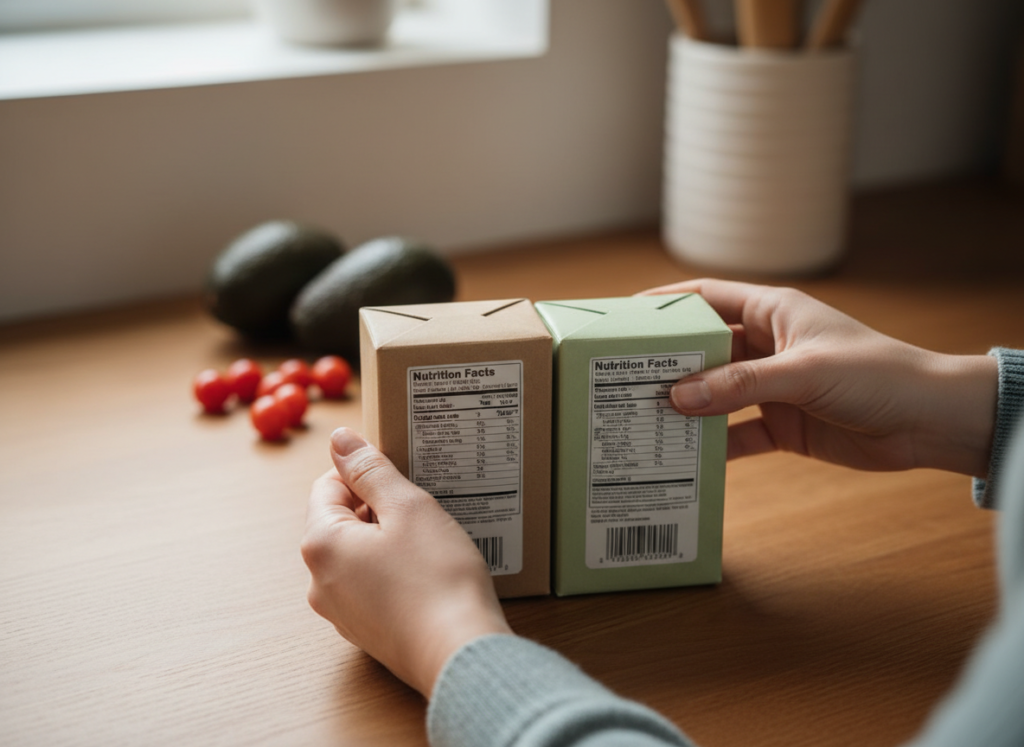
Start at the top of the Nutrition Facts label. Check the serving size and the number of servings in the package. Those two lines tell you whether the numbers below describe what you plan to eat or only part of it.
Check which column you’re reading
Most labels give amounts for one serving. Some show a second column for the entire package. If you plan to finish the package, use that column when it’s available.
Try the two-serving test
Imagine a soup container holds two servings and the label lists 420 milligrams of sodium per serving. If you eat the whole container, that’s 840 milligrams. If a second container lists 650 milligrams for the whole package, compare 840 with 650. Comparing 420 with 650 would mix up a serving and a package.
Use the percent Daily Value as a shortcut
The percent Daily Value shows how much one serving contributes toward the daily reference amount for a nutrient. The FDA considers 5% or less low and 20% or more high. When comparing foods with similar serving sizes, scan the percentage for the nutrient you care about, such as sodium, fiber, or added sugars.
Compare what you’ll actually eat
If serving sizes differ, compare equivalent amounts. You can often do this by comparing what you’d actually put in your bowl or by using the per-package column when you plan to eat the whole package. Start with one nutrient and one comparison so you can make sense of the numbers quickly.
For a labeled example and more detail on serving sizes and Daily Values, see the FDA’s guide to the Nutrition Facts label.